

For most households, internet is now as essential as electricity and water. Remote work, online classes, streaming, telehealth, and even paying rent all depend on it. If you are moving into Oakridge Apartments at 3463 Wingood Cir, Memphis, TN 38118, this guide explains how to find out which providers serve your address, how to compare plans, how to get a discount if you qualify, and how to get the most out of Wi-Fi in an apartment.
Step 1: find out who serves your address
Ask the leasing office first
Internet options can vary from building to building, even within one community. Before you order anything, ask the Oakridge office which providers currently serve the community and whether any wiring is already in place. Our post on starting utilities in a 38118 apartment includes that question in its move-in checklist.
Check the FCC National Broadband Map
The Federal Communications Commission publishes a free National Broadband Map at broadbandmap.fcc.gov. Enter a street address and select it from the results; the location summary shows which internet providers report service there, the technology each uses, and the advertised download and upload speeds. If a listing looks wrong, the map has an availability challenge process for reporting it. Search for 3463 Wingood Cir to see what is reported for the property, then confirm with the provider for your specific apartment.
Step 2: decide how much speed you need
Speed needs depend on how many people and devices share the connection and what they do online. Think about:
- Video calls and remote work: upload speed matters as much as download speed.
- Streaming: multiple TVs streaming at once adds up quickly.
- Gaming: stable latency is more important than raw speed.
- Online classes: plan for several students on video at the same time during the school year.
A one-person household in a one-bedroom apartment usually needs less than a family of five in a three-bedroom. If you work from home, our guide to working from home in a Memphis apartment covers the rest of a home office setup.
Step 3: compare the real cost
Advertised prices often change after a promotional period. When you compare plans, ask each provider:
- What is the price after the promotion ends?
- Is there a contract, and what is the early cancellation fee?
- Are equipment rental, installation, or activation fees extra?
- Is there a data cap?
- Is autopay or paperless billing required for the advertised price?
Write the answers down and compare the total cost over a full year, not just the first month.
Step 4: get a discount if you qualify
Lifeline
The FCC's Lifeline program provides up to $9.25 a month off qualifying phone, internet, or bundled service for eligible low-income subscribers. You qualify if household income is at or below 135 percent of the Federal Poverty Guidelines, or if someone in the household participates in SNAP, Medicaid, Federal Public Housing Assistance, Supplemental Security Income, Veterans Pension benefits, or certain Tribal programs. Only one Lifeline benefit is allowed per household, and you must recertify every year.
You can apply online through the National Verifier, by mail, or through a participating provider. For help or a paper form, call 1-800-234-9473. If your household is new to SNAP, see food assistance in Memphis 38118.
The Affordable Connectivity Program has ended
The FCC's Affordable Connectivity Program ended effective June 1, 2024, and is no longer accepting applications. The FCC has warned consumers about providers still advertising it, so be skeptical of any offer that claims to sign you up.
Step 5: schedule installation early
Book installation as soon as you have a move-in date. If an installer needs to come inside, plan to be home, and let the leasing office know if the technician needs access to a building area. Ask for the appointment window in writing, and keep the order number handy. If you are starting a new job or a school term, give yourself a buffer of several days.
Getting the most from Wi-Fi in an apartment
- Place the router centrally, up high and out in the open, not inside a cabinet or closet.
- Keep it away from the microwave and thick obstacles where possible.
- Use a wired connection for a desktop computer or game console near the router.
- Consider a mesh system if you have a larger floor plan and dead spots.
- Change the default network name and password, and use WPA2 or WPA3 security.
- Restart the router occasionally and keep its firmware updated.
In a three-bedroom apartment of about 1,198 square feet, router placement makes a noticeable difference in the farthest bedroom.
Backup options
Outages happen, especially during storms. A phone hotspot can bridge short outages. For longer ones, a public library branch can be a place to get work done; see libraries near Parkway Village. Keep devices charged when severe weather is in the forecast, as our severe weather guide recommends.
Protect yourself online
- Never share your account password with someone who calls claiming to be from your provider.
- Turn on two-factor authentication for email and banking.
- Use the official resident portal link from the Oakridge website to pay rent, not links in unexpected texts.
Living at Oakridge
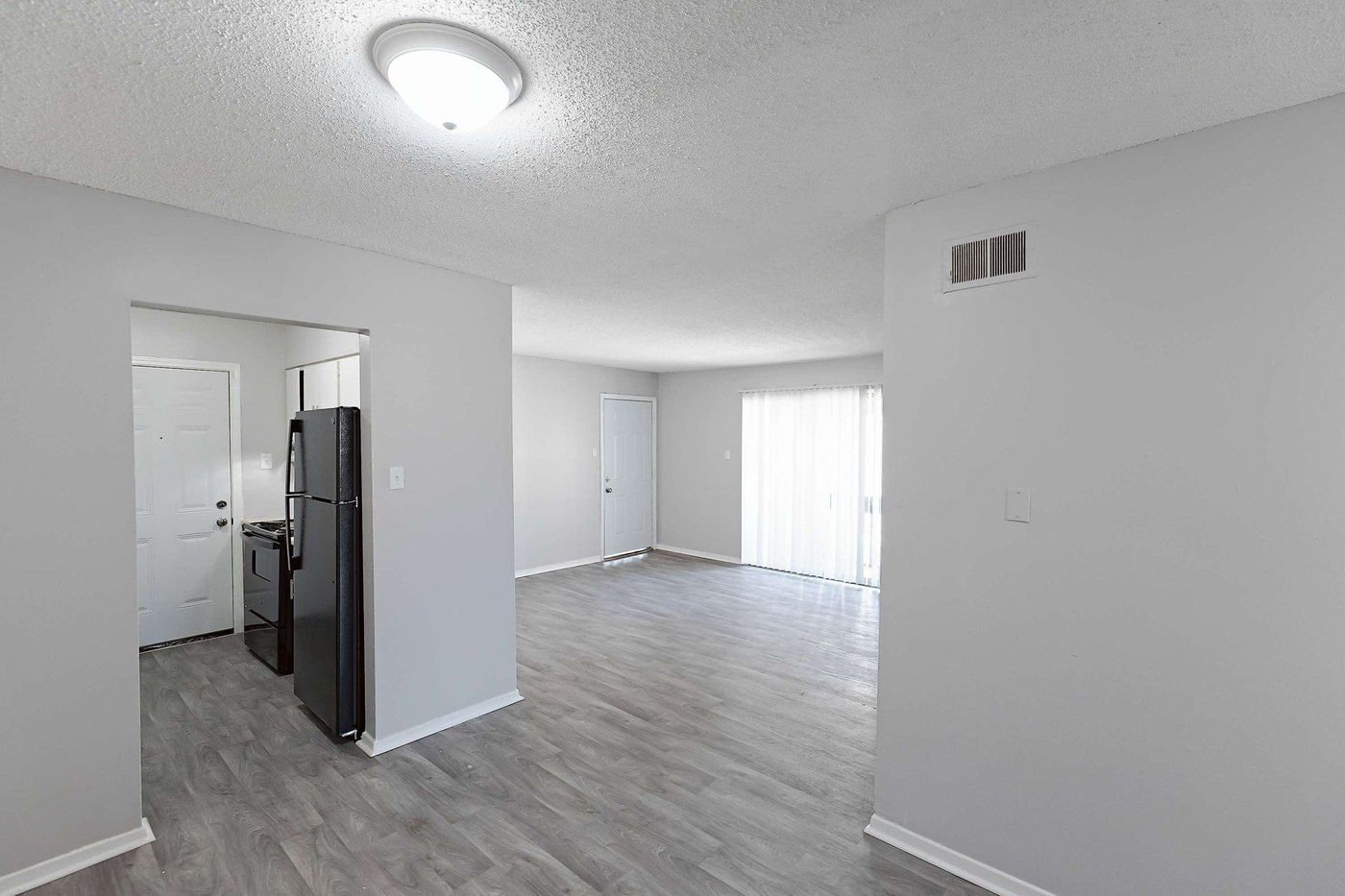
Oakridge has one-, two-, and three-bedroom apartments with spacious living areas, which leaves room for a desk and a good router spot. Residents use the online resident portal to pay rent, set up automatic payments, and submit maintenance requests from anywhere, which is one more reason a reliable connection pays off. See paying rent online at Oakridge.
Frequently asked questions
How do I find internet providers for my Memphis apartment?
Ask the leasing office which providers serve the community, then enter the address on the FCC National Broadband Map at broadbandmap.fcc.gov to see which providers report service and their advertised speeds.
Is there a discount on internet for low-income households?
The FCC Lifeline program provides up to $9.25 a month off qualifying phone, internet, or bundled service for eligible households, including those receiving SNAP or Medicaid.
Can I still sign up for the Affordable Connectivity Program?
No. The FCC says the Affordable Connectivity Program ended effective June 1, 2024 and is no longer accepting applications.
Where should I put my Wi-Fi router in an apartment?
Place it centrally, up high, and in the open, away from the microwave and not inside a cabinet. Use a mesh system if a larger floor plan has dead spots.
Have questions? Call (901) 697-7127, Monday through Friday, 9:00 AM to 6:00 PM, or schedule a tour at 3463 Wingood Cir, Memphis, TN 38118. You can also visit the 1-bedroom apartments page, the apartments near the University of Memphis page, or browse the Oakridge Journal.